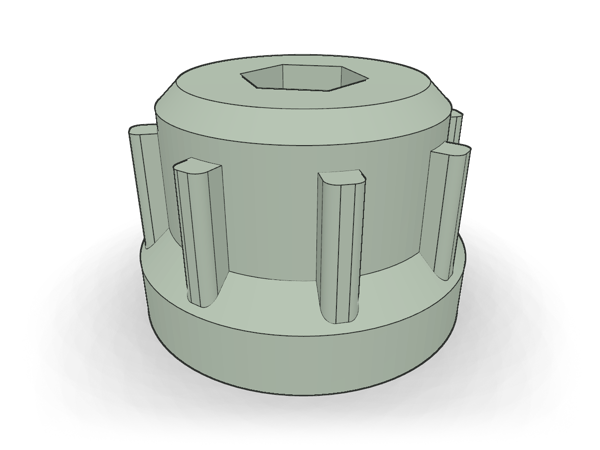

Sketch
Draw on a plane. Lines snap, dimensions and constraints hold the shape, and every number stays editable.
- Lines, arcs, circles, rectangles
- Dimensions and constraints
- Construction geometry
Snida is a 3D modelling app for iPhone, iPad and Mac. Draw a sketch, turn it into a part, and print it or send it to a game engine.
Free to download. Snida Pro is a one-time purchase.


Examples
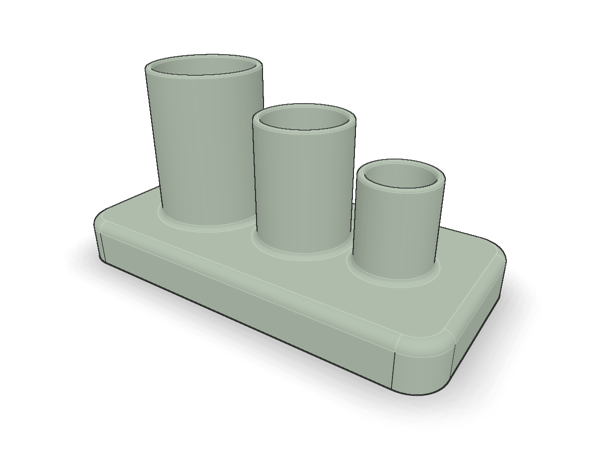
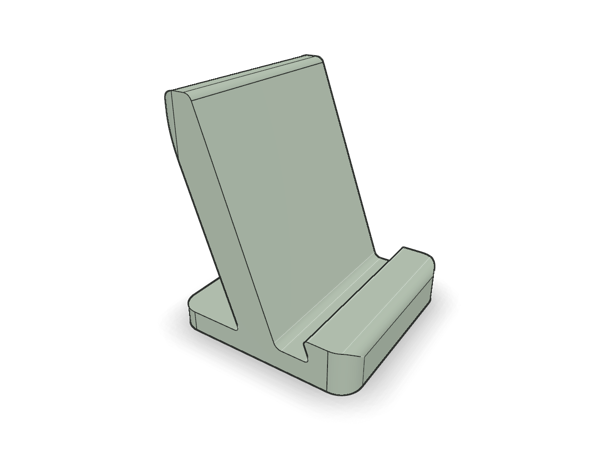
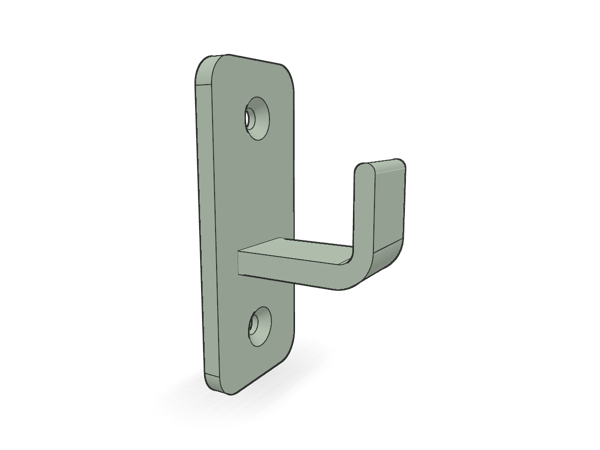
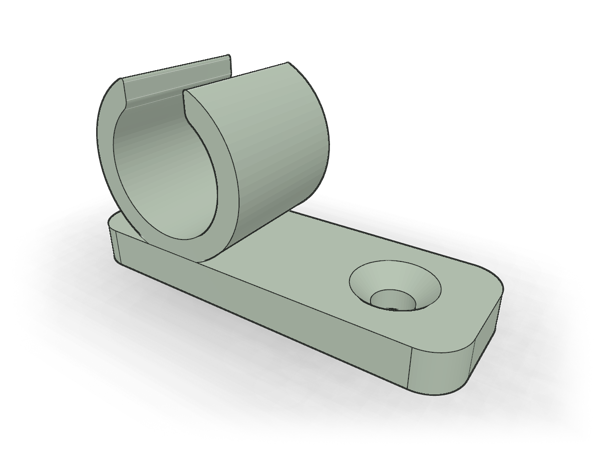
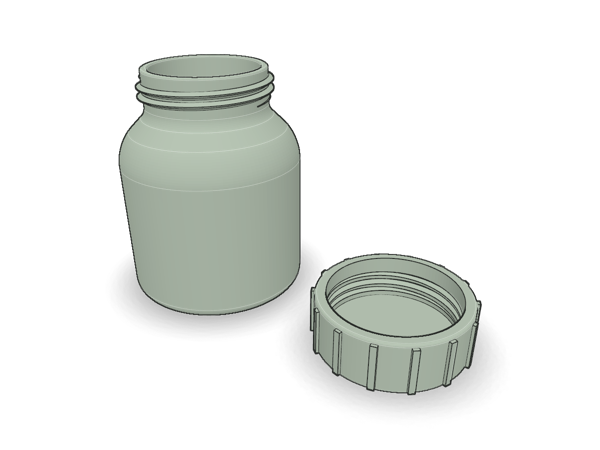
Nine everyday objects built in Snida, free to open and change. Every sketch, dimension and feature stays editable, and each one prints without supports.
All nine examplesOr explore 61 open models from museums, scans and game asset packs
How it works
You work the way CAD users expect, with the tools where your hand is.
Draw on a plane. Lines snap, dimensions and constraints hold the shape, and every number stays editable.

Pull a region into a part. Round an edge, cut a hole, add a thread. Change an earlier step and everything after it follows.
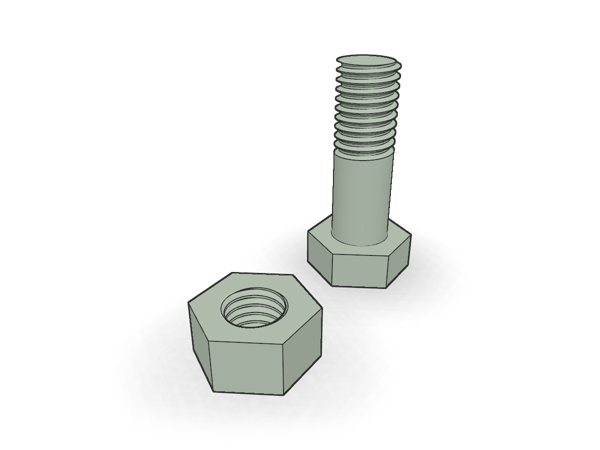
Check that the part fits your printer's bed and send it to your slicer, or export it for a game engine.
Exact geometry
Snida's geometry kernel is built in-house and keeps exact surfaces. A cylinder is a cylinder and a thread is a thread, not a bundle of triangles, so a part stays clean when you change the steps before it, and a nut printed from Snida fits its bolt.
Export writes the mesh your printer or engine needs. Meshes you import stay meshes, with repair tools for the broken ones.
Ask
Ask the assistant to inspect or change your model in plain words. It runs on a hosted model or on your device. The hosted one asks for your consent first and never sees your file, only a text summary of it.
On the Mac, drive Snida from Claude Code or another agent over MCP.
Free and Snida Pro
Snida Pro is a one-time purchase that covers iPhone, iPad and Mac.
0 kr
No account, no subscription, no ads.
199 kr one-time · 299 kr from 31 January 2027
Buy once in the App Store on any device; it unlocks on every iPhone, iPad and Mac signed in with the same Apple Account. Prices in Swedish kronor; the App Store shows yours.
One app
Your documents are files. Keep them in iCloud Drive and open the same one on every device.
Model on the go. The tools sit in a deck under your thumb and the viewport gets the rest of the screen.
The full workspace: outliner, inspector and a timeline of every step. Sketch with Apple Pencil.
Windows, menus and shortcuts, and an MCP server so Claude Code can drive it.
Requires iOS 27, iPadOS 27 or macOS 27.